Creating a productive home office space is essential for anyone working remotely or managing tasks from home. A well-organized and comfortable workspace not only enhances your focus but also helps maintain a good work-life balance. In this post, we’ll explore practical tips for organizing your home office efficiently, ensuring it becomes a place where you can work effectively and comfortably every day.
1. Choose the Right Location
Consider Natural Light
Select a spot in your home with ample natural light. Sunlight helps boost mood and energy levels, which can improve concentration. Position your desk near a window if possible, but avoid glare on your computer screen.
Minimize Distractions
Pick a quiet area that minimizes noise and interruptions. A dedicated room is ideal, but if that’s not possible, use room dividers or noise-cancelling headphones to reduce distractions.
2. Invest in Quality Furniture
Ergonomic Chair and Desk
Comfort is key to long hours of productivity. Choose an ergonomic chair that supports your back and a desk at the right height. Standing desks are also an excellent option for alternating between sitting and standing.
Adequate Surface Space
Your desk should have enough space to fit your computer, notepad, and essential office supplies without feeling cluttered.
3. Organize Your Desk Efficiently
Declutter Regularly
Keep only what you need for daily tasks on your desk. Store unnecessary items in drawers or shelves to maintain a clean work area.
Use Desk Organizers
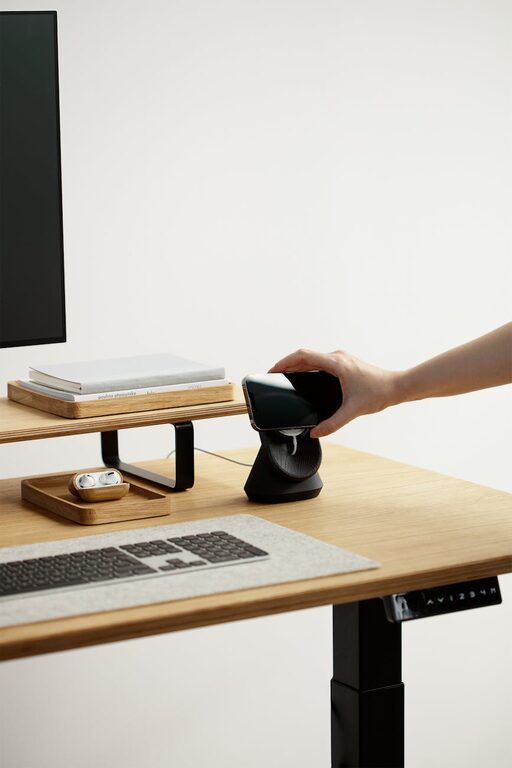
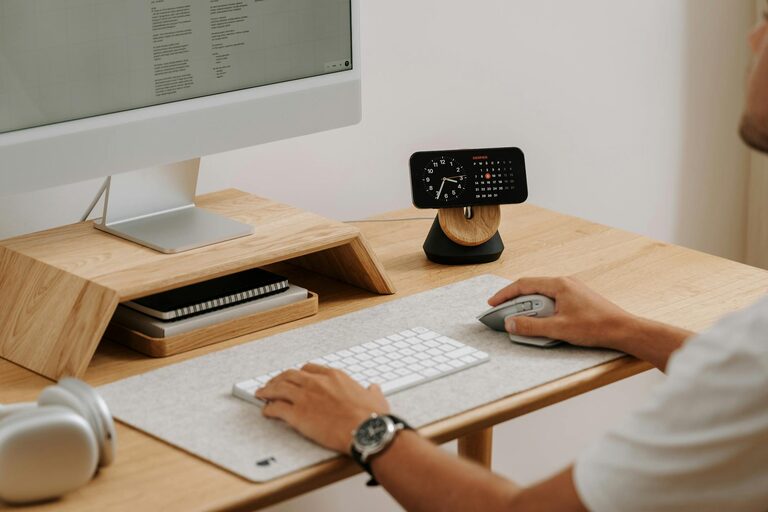
Invest in organizers like pen holders, file trays, and cable management tools. These help keep documents and accessories tidy and easily accessible.
4. Manage Cables and Technology
Cable Management Solutions
Cables can quickly become messy. Use clips, cable sleeves, or boxes to keep wires neat and prevent them from tangling.
Keep Electronics Updated
Regularly update your computer, printer, and other devices to avoid slowdowns and interruptions during work.
5. Optimize Lighting
Balance Ambient and Task Lighting
Good lighting reduces eye strain. Combine ambient light with task lighting such as adjustable desk lamps. Soft white bulbs are generally easier on the eyes.
Avoid Screen Glare
Position lights so that they don’t cause reflections on your monitor. Adjusting the blinds or curtains can also help control natural light.
6. Personalize Your Space
Add Inspiring Decor
Small touches like plants, artwork, or motivational quotes can make your office more inviting and boost your mood.
Keep It Professional
While personalization is good, avoid overdecorating. A clutter-free, professional environment supports focus and productivity.
7. Establish Storage Systems
Use Shelves and Cabinets
Shelves and filing cabinets help keep documents and office supplies organized. Label folders and boxes so you can quickly find what you need.
Digital Organization
Keep your digital files as organized as your physical ones. Use folders, backups, and cloud storage to avoid losing important data.
8. Create a Routine and Maintain Your Space
Set a Daily Tidying Habit
Spend a few minutes at the end of each workday organizing your desk and documents. This habit prevents clutter from accumulating and keeps your space ready for the next day.
Regularly Reassess Your Setup
Your needs may change, so adjust your office layout and organization over time. A flexible approach ensures continued comfort and productivity.
—
Final Thoughts
Organizing a productive home office is about combining functionality with comfort. By selecting the right location, investing in quality furniture, managing clutter, and personalizing your space thoughtfully, you create an environment that supports your work and wellbeing. Implement these simple tips to transform your home office into a space where productivity thrives every day.