Creating a home office that feels both cozy and productive can transform the way you work. When your workspace is comfortable and well-organised, it helps improve focus, reduce stress, and increase overall efficiency. Whether you have a dedicated room or just a small corner, these tips will help you create the perfect environment to work from home.
Choose the Right Location
Finding the ideal spot for your home office is the first step. Select a space with enough natural light, as it can improve mood and energy levels. If possible, a quiet area away from household distractions like the TV or kitchen is ideal.
– Consider natural light: Position your desk near a window.
– Avoid high-traffic zones: This helps minimise interruptions.
– Think about ergonomics: Ensure your chair and desk fit the space and support good posture.
Invest in Comfortable Furniture
Comfort matters because you’ll be spending hours in this space. An ergonomic chair that supports your back correctly is a must-have. Pair it with a desk at a height allowing your arms to rest naturally.
– Ergonomic chair: Adjustable height and lumbar support.
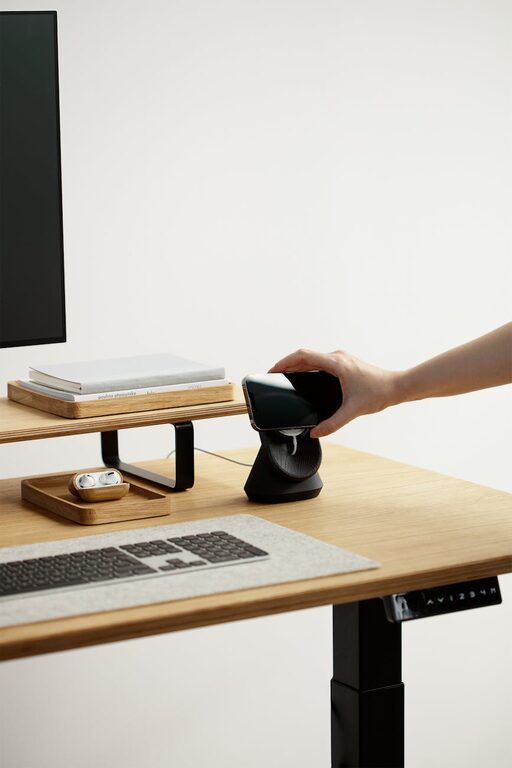
– Desk: Enough surface area for your computer and workspace essentials.
– Accessories: A footrest or keyboard tray can improve posture.
Personalise Your Space
Adding personal touches to your office makes it inviting and inspires creativity. However, keep clutter to a minimum to maintain productivity.
– Use warm colours: Soft tones create a cozy atmosphere.
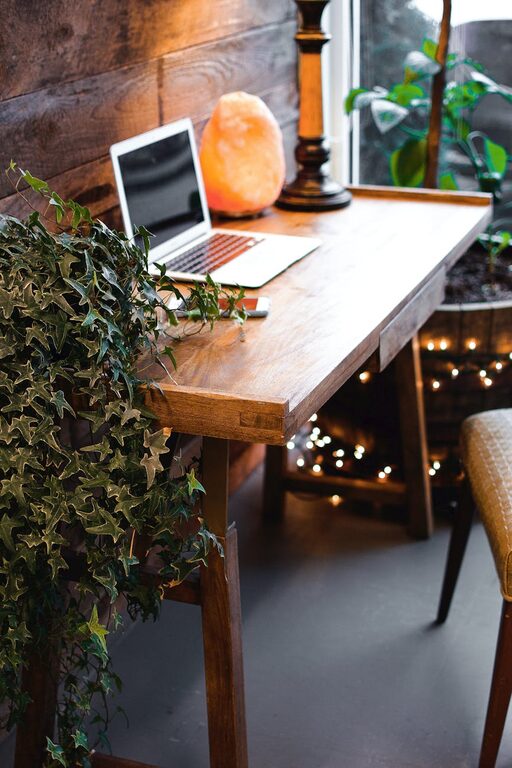
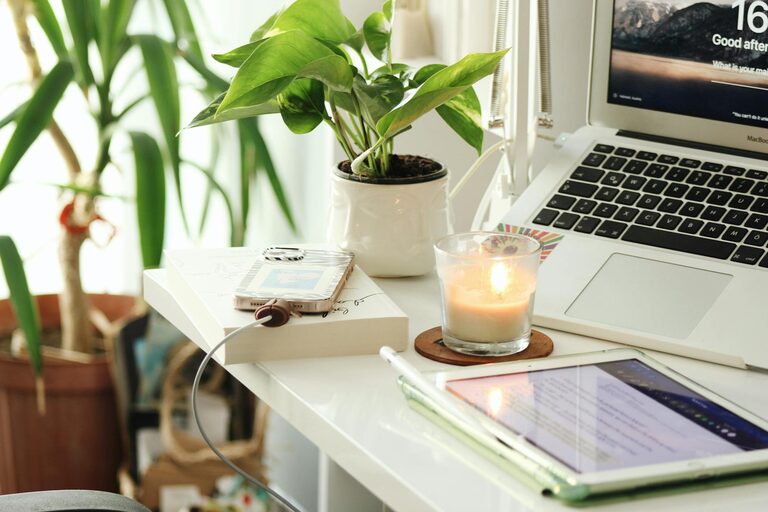
– Decorate with plants: They boost mood and air quality.
– Display inspiring artwork or quotes: Choose items that motivate you.
– Keep essentials close: Pens, notebooks, and other tools should be accessible but organised.
Organise for Efficiency
A clutter-free workspace helps keep your mind clear. Implement organisational systems to manage paperwork and office supplies neatly.
– Storage solutions: Shelves, filing cabinets, or baskets.
– Cable management: Use clips or sleeves to reduce tangles.
– Digital organisation: Keep your computer desktop tidy with folders and clear naming.
– Daily tidying: Spend a few minutes at day’s end to reset your space.
Utilise Technology Wisely
The right technology setup can streamline your work tasks.
– Reliable internet: Essential for video calls and online collaboration.
– Quality peripherals: Invest in a good keyboard, mouse, and headset.
– Monitor setup: Multiple or larger screens can enhance your workflow.
– Software tools: Use productivity apps for time management and task tracking.
Improve Lighting Conditions
Proper lighting is crucial for reducing eye strain and maintaining alertness.
– Combine natural and artificial light: Use adjustable desk lamps.
– Avoid glare: Position screens perpendicular to windows.
– Use warm LED bulbs: They create a cosy ambience while being energy-efficient.
Maintain a Healthy Routine
Your workspace should support a balanced work routine.
– Take regular breaks: Stand up, stretch, or walk around to refresh.
– Add movement: A standing desk or sit-stand converter can vary posture.
– Keep hydration nearby: A water bottle helps you stay refreshed.
Sound Control
Noise can disrupt concentration, so managing sound is helpful.
– Use noise-cancelling headphones: Useful especially in busy households.
– Add soft furnishings: Rugs, curtains, and cushions absorb sound.
– Consider white noise machines: They mask distracting background noises.
Final Thoughts
Designing a cozy and productive home office is about balancing comfort and functionality. By thoughtfully selecting your location, furniture, lighting, and organisational tools, you create a space where you can focus and feel relaxed. Remember, a well-designed office doesn’t have to be large or expensive—small changes can make a big difference in your daily work experience.