Creating a home office that is both cozy and productive can significantly improve your work-from-home experience. With more people working remotely than ever before, having a dedicated, comfortable workspace helps maintain focus and separates your professional life from home life. This guide shares practical tips to design a home office that supports productivity while providing a warm, inviting atmosphere.
Choose the Right Location
Prioritize Natural Light
Select a spot in your home that receives plenty of natural sunlight. Natural light keeps you energized and improves mood, which is essential for staying productive. If a window isn’t available, consider full-spectrum lighting that mimics daylight.
Minimise Distractions
Try to find a quiet area away from busy household zones. If space is limited, consider using room dividers or noise-cancelling headphones to create a focused environment.
Invest in Comfortable and Functional Furniture
Ergonomic Chair and Desk
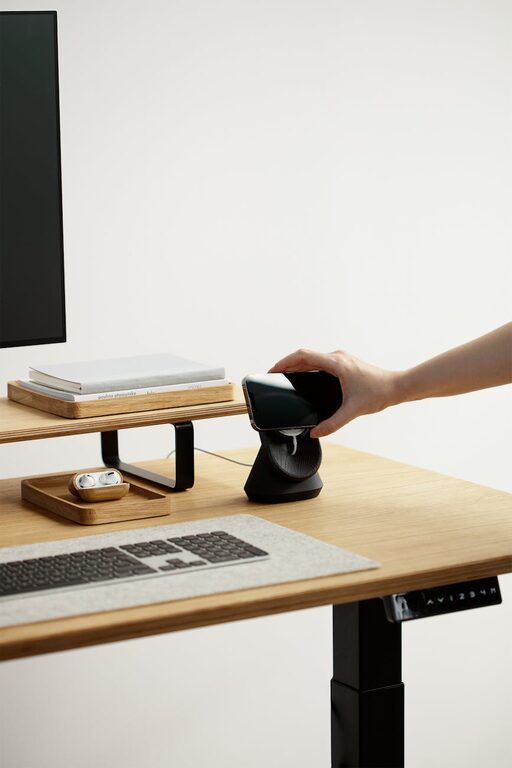
A good chair with lumbar support helps prevent back pain during long hours. Pair it with a desk at the right height to keep your posture comfortable. Adjustable desks that allow sitting or standing can add flexibility and health benefits.
Storage Solutions
Keep your workspace clutter-free by adding shelves, drawers, or filing cabinets. Organised space reduces stress and makes it easier to find important items.
Personalise Your Space
Colours That Inspire
Choose wall colours or decorations that make you feel calm yet motivated. Soft blues and greens are calming, while warm tones like yellows and oranges can boost creativity.
Add Personal Touches
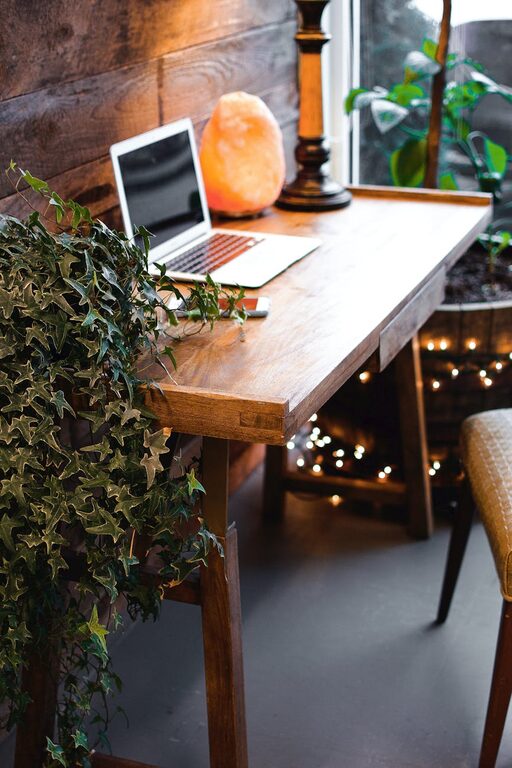
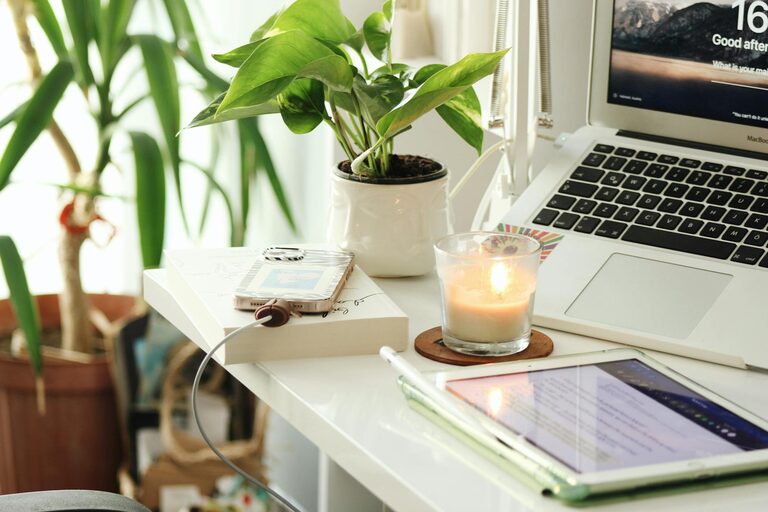
Incorporate plants, artwork, photos, or items that bring you joy. Plants, in particular, improve air quality and add a refreshing touch to the room.
Optimise Lighting
Layer Your Lighting
Combine ambient (general), task (desk lamp), and accent lighting to reduce eye strain and create a balanced environment. Adjustable desk lamps let you focus light exactly where you need it.
Avoid Glare
Position your screen perpendicular to windows and use curtains or blinds to control sunlight. Glare can cause discomfort and distract you from work.
Manage Cables and Technology
Keep Wires Tidy
Use cable organisers, clips, or sleeves to keep cords out of sight. A clean setup not only looks better but reduces hazards.
Reliable Tech Setup
Invest in a fast internet connection and ergonomic accessories like wireless keyboards and mice. Ensure your computer screen is at eye level to prevent neck strain.
Create a Routine-Friendly Environment
Define Zones
If possible, separate your workspace from relaxation areas. This helps your brain distinguish work time from leisure and improves focus.
Keep Essentials Handy
Keep frequently used items within arm’s reach to avoid unnecessary distractions. A well-stocked supply of office materials reduces the need to leave your desk frequently.
Incorporate Movement and Break Spots
Quick Movement Options
Include a yoga mat or small exercise equipment like resistance bands nearby. Stretching or quick exercises during breaks refresh your body and mind.
Break Area
If space allows, create a little corner or chair away from your desk for breaks. Changing your environment periodically helps maintain concentration.
Maintain Cleanliness and Organisation
Daily Tidy-Up
Spend a few minutes each day putting things away and wiping surfaces. A tidy desk promotes a clear mind.
Digital Organisation
Keep your computer files well organised with folders and regular backups. Clutter-free digital space aligns with a neat physical environment.
Final Thoughts
Designing a cozy and productive home office is about balancing comfort, organisation, and personal style. By applying these tips, you can create a space that not only supports your work but also makes your day more enjoyable. Remember, a well-thought-out home office encourages motivation and helps maintain a healthy work-life balance. Start with small changes and adjust as you find what works best for your unique needs.
Happy workspace creating!